Draw conversion flows with AI.
Verlo co-draws on your canvas and keeps the flow synced in Microsoft Teams.
Live canvas
Conversion flowboard
Product demo
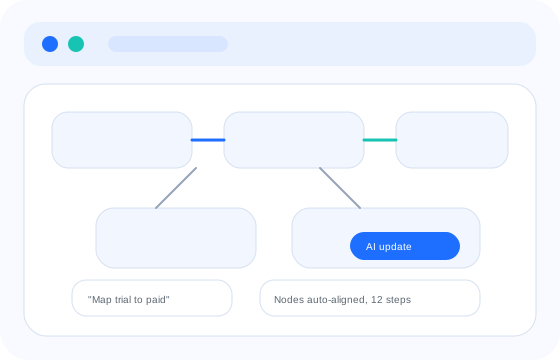
Watch Verlo draw as you speak.
A live canvas that updates in real time, ready to drop into Teams minutes later.
How it works
Three steps to a conversion-ready board.
Listen
Verlo listens to the conversation and captures the flow.
Co-draw
Verlo sketches, labels, and aligns the journey live.
Share
Publish into Teams and keep the board synced.
Use cases
One canvas. Every conversion moment.
Select a use case to see how Verlo shapes the flow.
Map acquisition to activation with AI-guided steps.
Conversational AI
Talk to the canvas. It draws back.
Verlo listens to intent, sketches the flow, and keeps structure clean as the room evolves.
Say "trial to paid" and Verlo sketches the stages, nodes, and arrows.
Ask for alternates, add steps, or merge stages. The board updates live.
Verlo remembers prior boards so follow-ups reference real decisions.
Live conversation
Personal space + offline
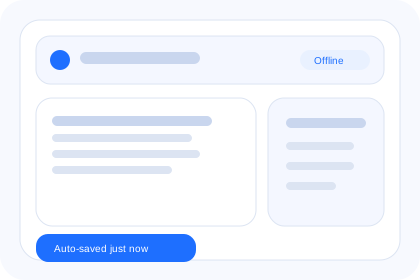
Every board saved, even without wifi.
Local-first storage keeps sessions safe, then syncs when you are back online.
Offline mode
Keep working without wifi. Every stroke saves locally and syncs later.
Auto-save boards
All whiteboards are saved instantly with version history on demand.
Recovery-safe
Crash-proof drafts restore where you left off, across devices.
Enterprise integration
Secure, compliant, and ready for scale.
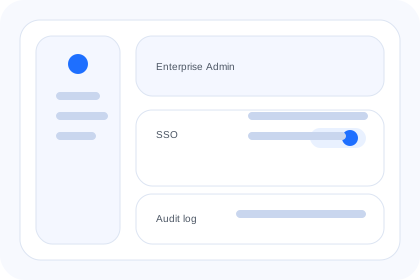
Verlo meets enterprise requirements without slowing the team.
Integrations
Microsoft Teams, built in.
Keep the whiteboard in the same place your team talks.
Open Verlo inside the meetings your team already runs.
Links, embeds, and exports for every stakeholder.
Ready to begin
Bring Verlo to your next session.
Try it on verlo.in or book a guided setup.